05ModulesProduct & Component Traceability
Know what is affected – in minutes, not days.
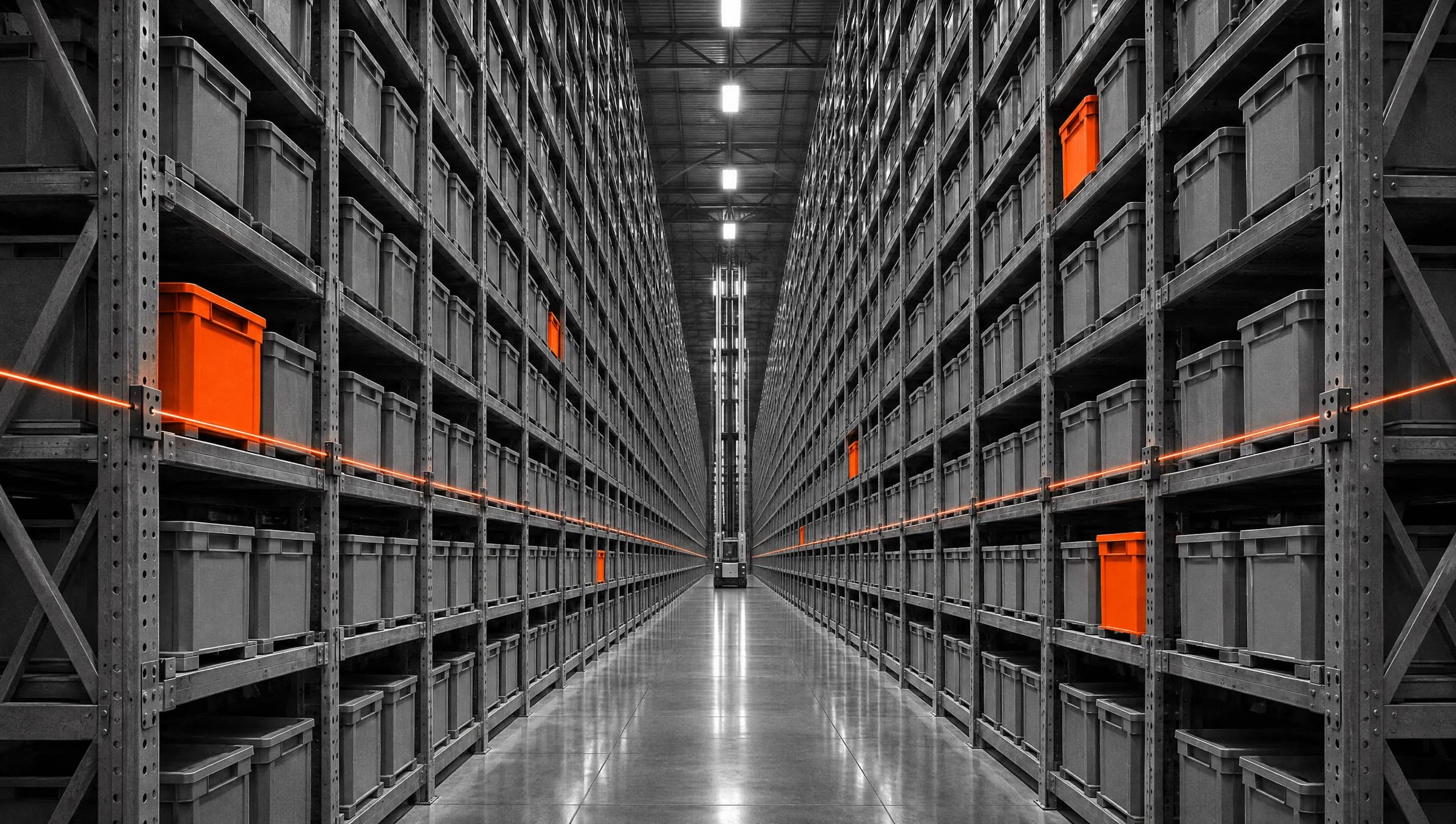
Components, batches, serial numbers and suppliers as a graph. When a defect appears, AIDA separates confirmed from possible impact.
05 — AIDA Industrial Suite
02
What
It Does
What RecallTrace does in the application – ordered by area.
Master data
- Suppliers with status, components and products with bills of materials
- QualityNCR and MaintenanceParts use the same suppliers and components
Batches and usage
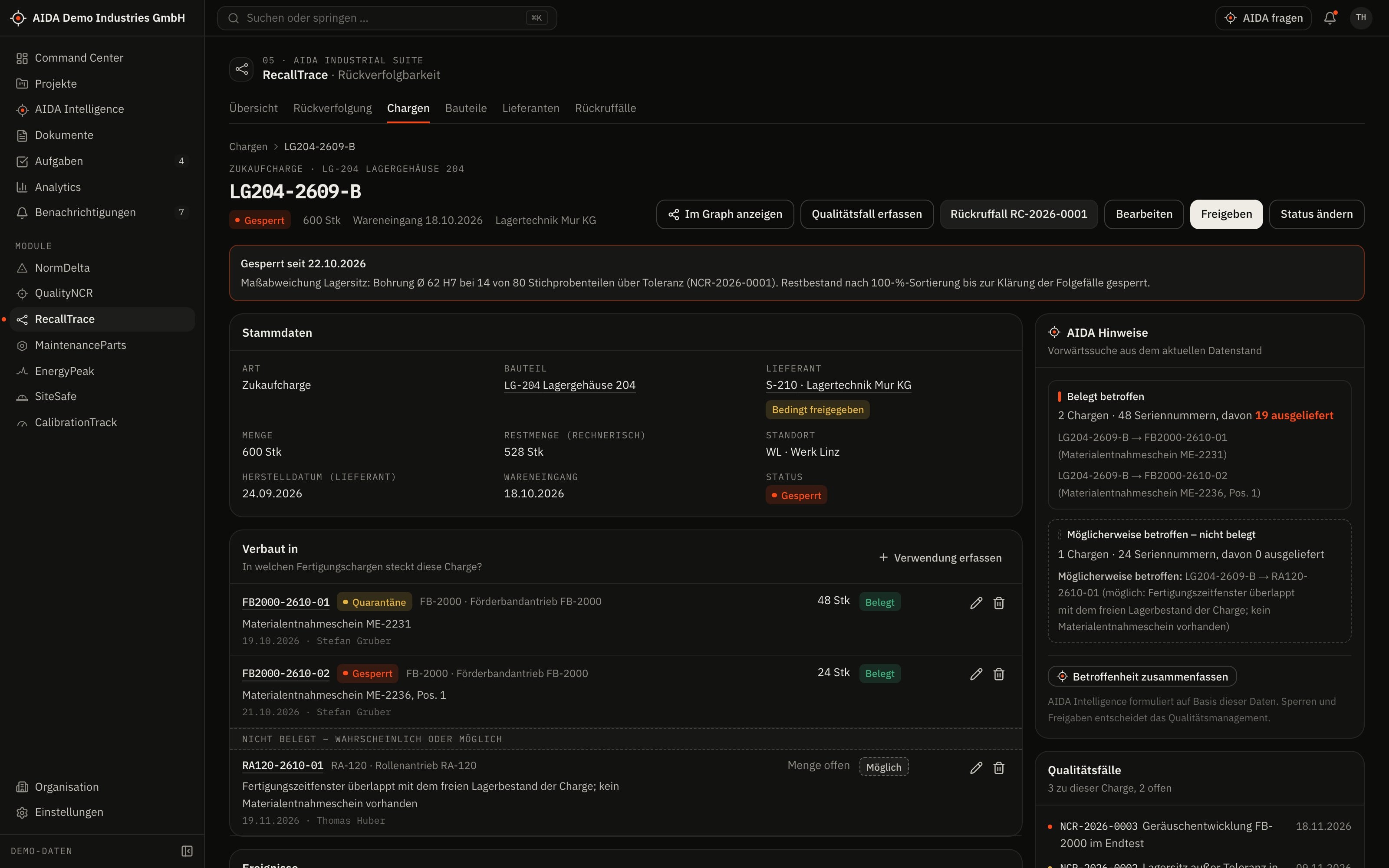
- Purchased and production batches with a timeline of events
- Document the use of a batch in a production batch – with or without evidence
- Status: released, quarantine, blocked, consumed, recalled – every change with a reason
Serial numbers
- Create or import number ranges per production batch
- Document shipment to customers
- Nothing can be shipped from blocked batches from the day of the block
Tracing and recall cases
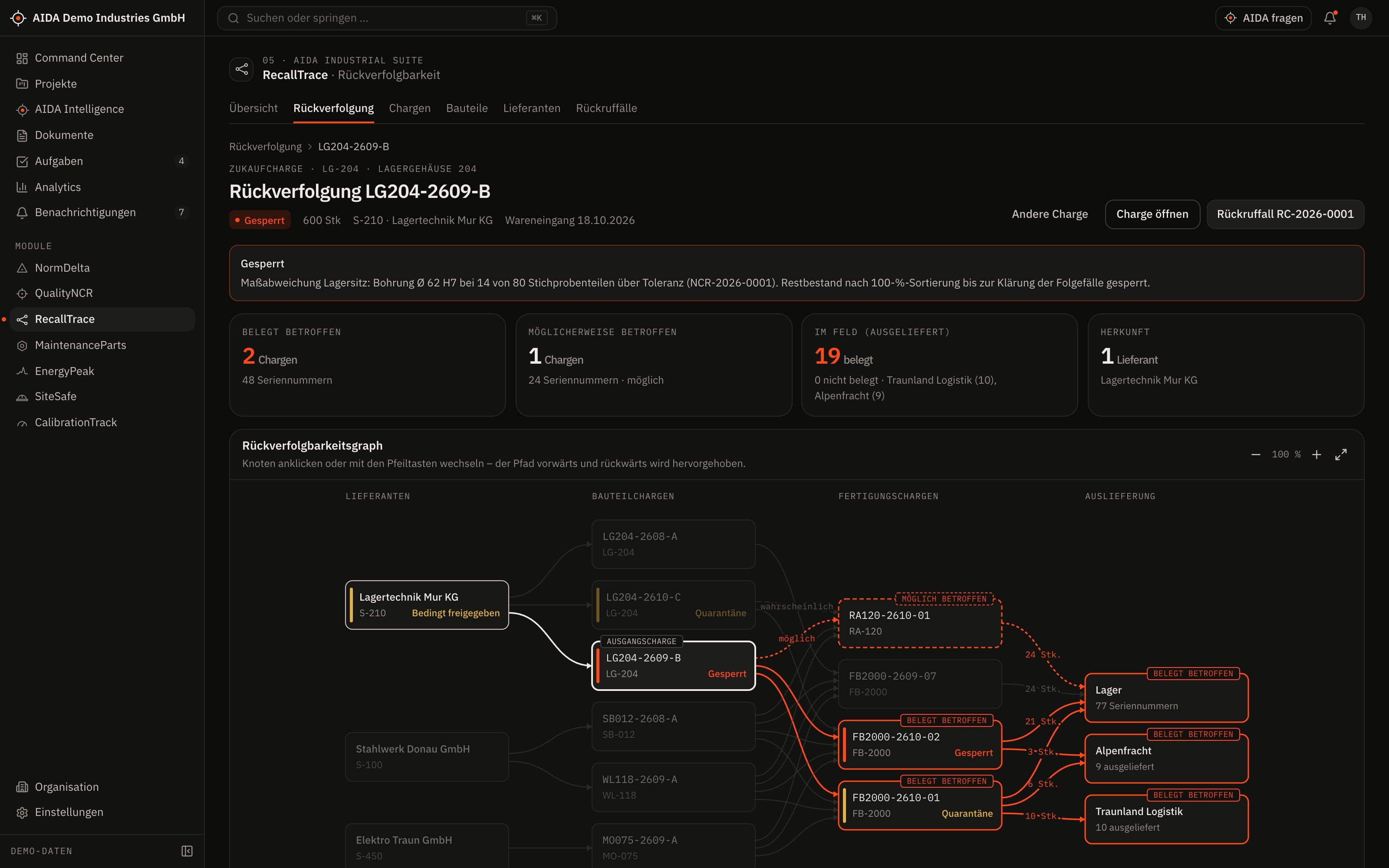
- Graph of the links: forwards to production and customers, backwards to supplier and purchased batch – also as a table
- Recall case from assessment via containment, notification and execution to closure
- One measure per affected item: block, inspect, replace or notify
03
How AIDA
Helps
Two kinds of support that AIDA never mixes: fixed rules over your data – and an assistant that only writes after approval.
Rule-based · no language model
AIDA insights
Insights come from fixed calculation rules over stored data. Each names its evidence and links to the record.
- Impact analysis on three levels: confirmed, probable, possible. A path is only as certain as its weakest link.
- Bill-of-materials coverage: shows for which items of a production batch a usage is documented and where it is missing.
- Customer overview: which customers received serial numbers from affected batches.
- A recall case only moves on once the originating batch is set and the analysis has been run.
Assistant · only after approval
AIDA Intelligence
- From a batch you open AIDA Intelligence with that record as context.
- Answers cite their sources.
- Write actions are only carried out after you confirm.
- No AI service is configured by default. Without a service that is configured and approved by your organisation, the assistant works in research mode: sourced findings, no written text.
04
The
Workflow
From a suspect batch to a closed recall case
Block the batch
The status change requires a reason and appears in the timeline.
Create the recall case
Also directly from a quality case, with the batch as the starting point.
Analyse the impact
AIDA follows the documented usages and shipments and separates confirmed, probable and possible.
Contain
Affected batches are blocked in one step; the measure is set for each item.
Notify and execute
The case records which items have been dealt with.
Approve closure
Closure is decided by a person with the “approve” right.
Reports and exports
- Recall case report as PDF
- Serial number lists as CSV
- Batch list as CSV
Exports stay within the access limits of the person exporting; every export is in the audit log.
05
Clear
Limits
What RecallTrace does not do – so you know what you can rely on.
- Confirmed and possible stay separate
- “Confirmed” means the usage is documented. “Possible” means there is a timing overlap but no evidence. AIDA never mixes the levels.
- As complete as your records
- The analysis follows the recorded usages and shipments. It cannot find what has not been documented. The graph shows the surroundings of a batch up to 40 batches.
06
Links
& Roles
Which modules RecallTrace shares data with – and which roles read, write, approve or delete in it.
Works together with
- QualityNCR
- component & batch
- MaintenanceParts
- suppliers
- AIDA Core
- projects, sites, documents, tasks and approvals
Roles and permissions
| Role template | Read | Write | Approve | Delete |
|---|---|---|---|---|
| Organization Owner | yes | yes | yes | yes |
| Organization Admin | yes | yes | yes | yes |
| Project Manager | yes | no | no | no |
| Engineer | yes | no | no | no |
| Quality Manager | yes | yes | yes | yes |
| Maintenance Manager | yes | no | no | no |
| Read-Only Auditor | yes | no | no | no |
Templates as created when an organisation is set up. Every organisation can adapt them and create its own roles; checks happen on the server.
See AIDAat Work
With your access we set up RecallTrace for you – together with the modules that go with it.