06ModulesIntelligent Maintenance & Spare Parts
Assets available. Spare parts on hand.
Digital asset records, maintenance plans, tickets and stock. Recurring failures and spare-part demand become visible from your history.
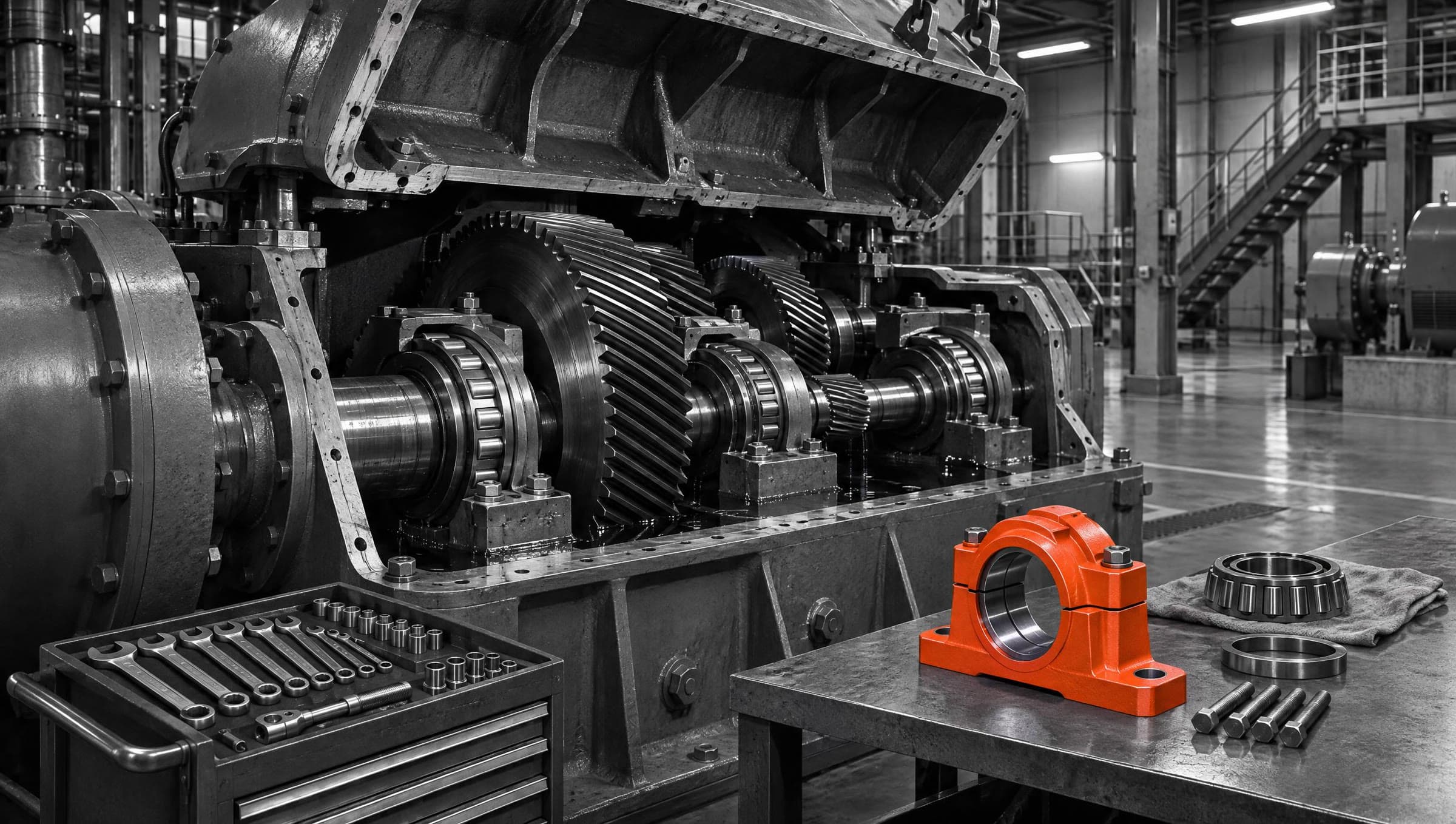
06 — AIDA Industrial Suite
02
What
It Does
What MaintenanceParts does in the application – ordered by area.
Asset record
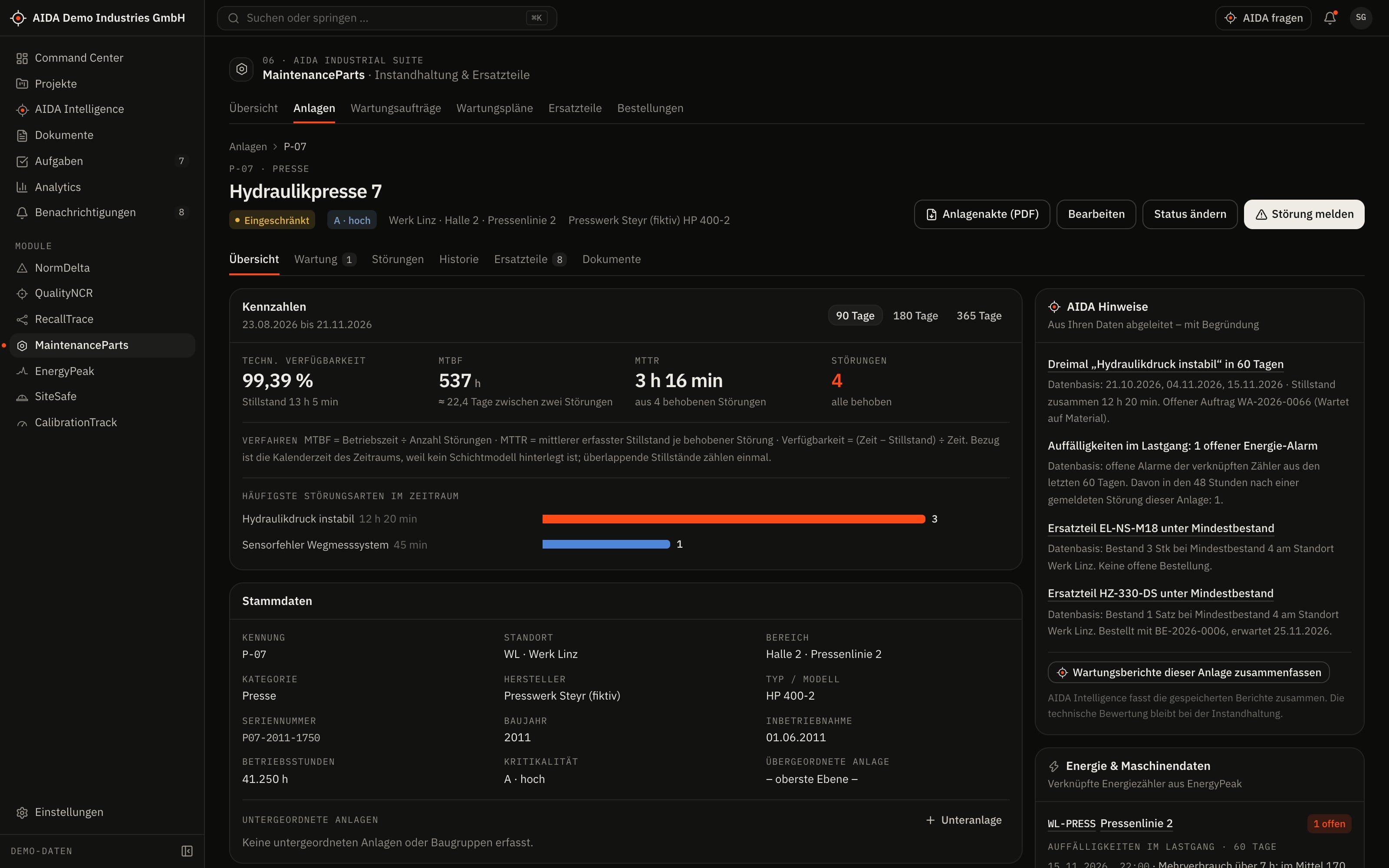
- Equipment with hierarchy, criticality and status: operational, degraded, down, decommissioned
- Failures with failure mode, severity and downtime
- Events, work orders, spare parts and meters of the equipment in one place
Work orders and maintenance plans
- Plan, assign and start work orders and complete them with a record
- Maintenance plans by days or operating hours, each with a checklist
- Due plans become work orders – individually or for all due plans
Spare parts and stock
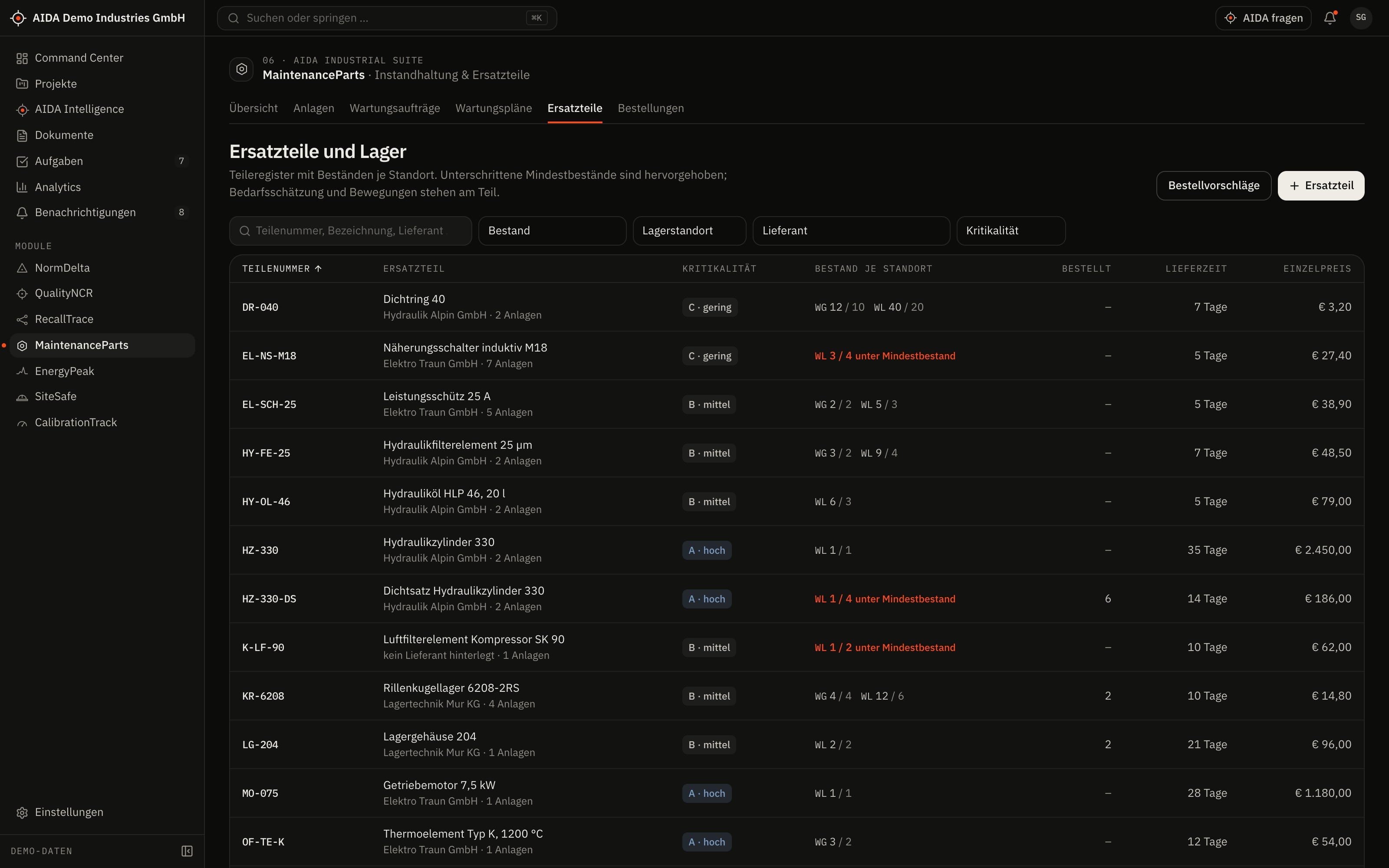
- Parts with stock and minimum stock, assigned to equipment
- Stock movements: receipt, issue, adjustment
- Parts issued directly to the work order
Purchase orders
- Create, place and close a purchase order
- Book goods receipt – including partial deliveries
03
How AIDA
Helps
Two kinds of support that AIDA never mixes: fixed rules over your data – and an assistant that only writes after approval.
Rule-based · no language model
AIDA insights
Insights come from fixed calculation rules over stored data. Each names its evidence and links to the record.
- MTBF, MTTR and availability per piece of equipment, computed from the recorded failures and downtimes.
- Recurring failures: the same failure mode several times on the same equipment within a fixed period – a fixed rule, not a statistical model. The insight names the underlying failures.
- Demand and reordering: estimated from the issues of the last six months; the reorder quantity covers three months. With fewer than three issues there is no estimate.
- Priority proposal for work orders – with the reasons: equipment criticality, open failure, overdue date.
Assistant · only after approval
AIDA Intelligence
- From the asset record you open AIDA Intelligence with the equipment as context – for example for a summary of the failure history.
- Answers cite their sources.
- Write actions are only carried out after you confirm.
- No AI service is configured by default. Without a service that is configured and approved by your organisation, the assistant works in research mode: sourced findings, no written text.
04
The
Workflow
From failure to completed work order
Report the failure
From the severity AIDA proposes the equipment status: degraded or down.
Plan the work order
The work order is assigned and scheduled; the priority is proposed with reasons.
Issue the parts
The issue books directly to the work order. If a part is missing, the order waits for the spare part.
Order and book goods receipt
The purchase order goes to the supplier; stock rises with the goods receipt.
Complete the work order
Completion reports the failure as resolved; the downtime feeds into the key figures.
Reports and exports
- Equipment report as PDF
- Work order list as CSV
Exports stay within the access limits of the person exporting; every export is in the audit log.
05
Clear
Limits
What MaintenanceParts does not do – so you know what you can rely on.
- Estimates state method and data
- Demand, reorder quantity and key figures are computed from your bookings. Every value states what it was derived from; with too little data AIDA shows no value rather than a guess.
- No sensor-based condition monitoring
- Operating hours and failures are recorded, not read from the control system. A connection via OPC UA/MQTT is planned.
06
Links
& Roles
Which modules MaintenanceParts shares data with – and which roles read, write, approve or delete in it.
Works together with
- QualityNCR
- affected equipment
- EnergyPeak
- equipment & meter
- RecallTrace
- suppliers
- AIDA Core
- projects, sites, documents, tasks and approvals
Roles and permissions
| Role template | Read | Write | Approve | Delete |
|---|---|---|---|---|
| Organization Owner | yes | yes | yes | yes |
| Organization Admin | yes | yes | yes | yes |
| Project Manager | yes | no | no | no |
| Engineer | yes | yes | no | no |
| Quality Manager | yes | no | no | no |
| Safety Manager | yes | no | no | no |
| Maintenance Manager | yes | yes | yes | yes |
| Read-Only Auditor | yes | no | no | no |
Templates as created when an organisation is set up. Every organisation can adapt them and create its own roles; checks happen on the server.
See AIDAat Work
With your access we set up MaintenanceParts for you – together with the modules that go with it.